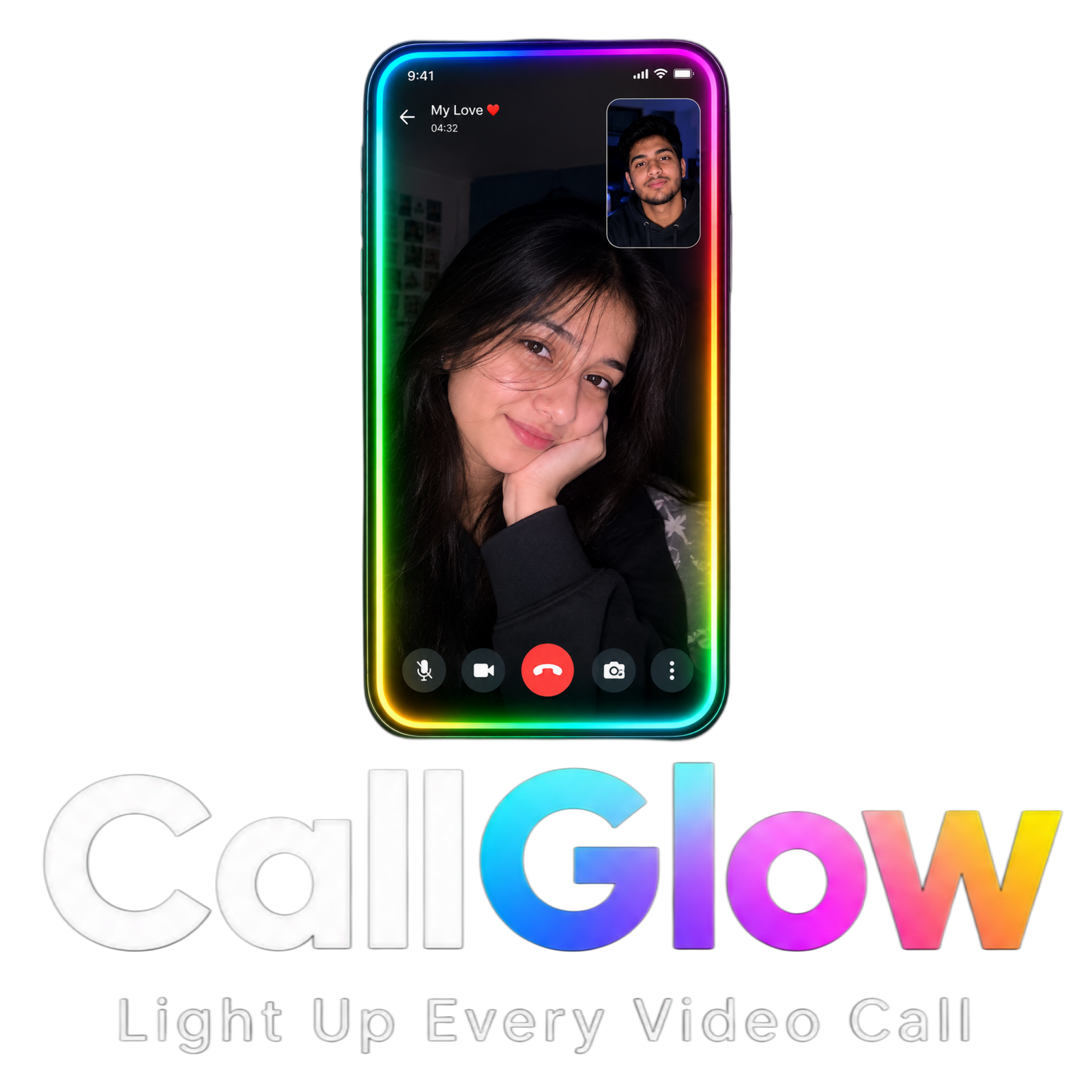
Light up every video call
CallGlow: the RGB edge light app for video calls on Android.
CallGlow turns your phone screen into a glowing RGB edge light, so you look clear in dark or low-light rooms.
Get it on Google Play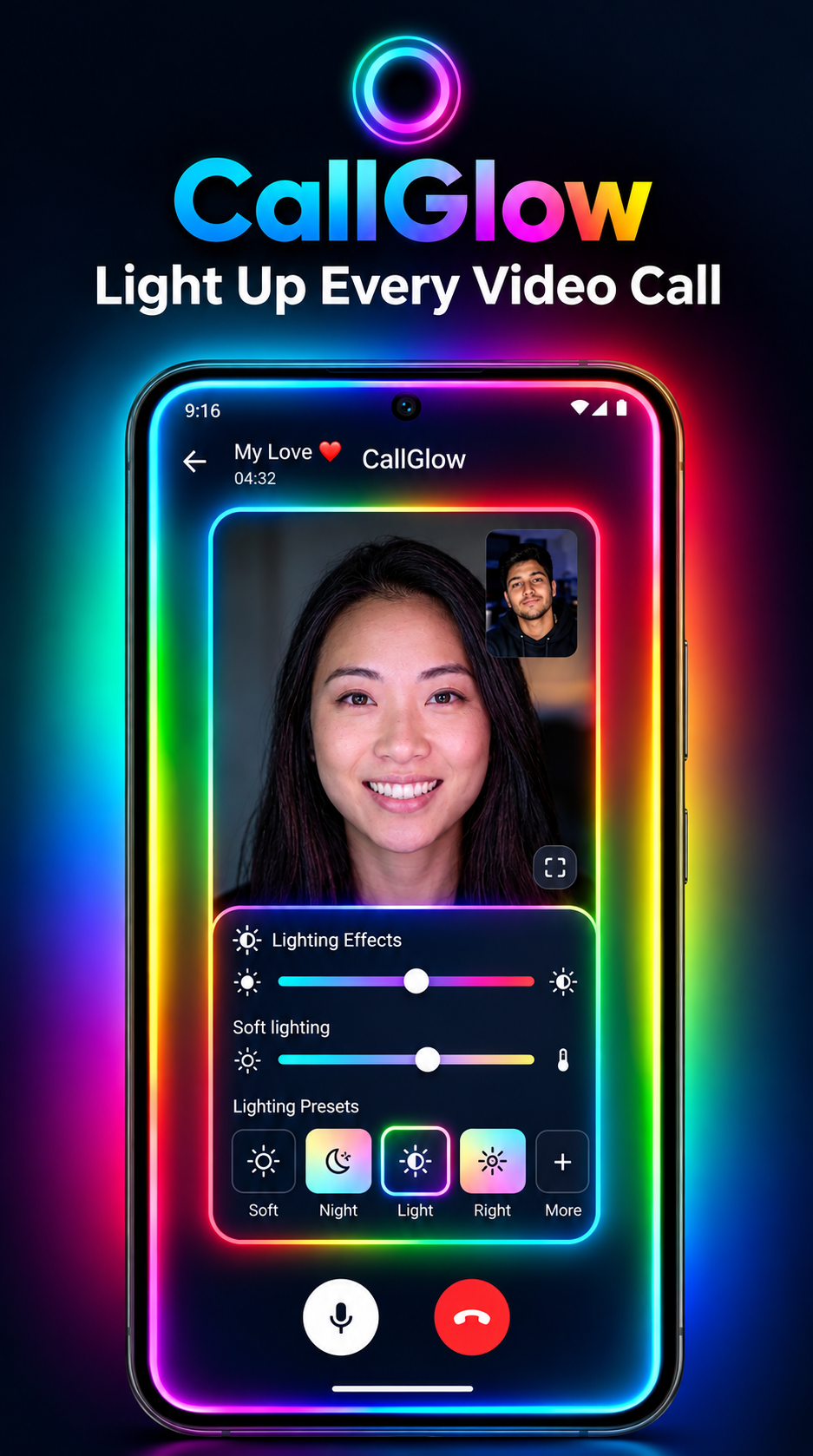
Edge light glowing around a video call
Try it on this page: pick a color for the edge light
Everything you need for better call lighting
A thin glowing border around all four edges of your screen, fully customizable.
11 light colors
White, Warm White, Red, Orange, Yellow, Green, Cyan, Blue, Purple, Pink and Custom RGB.
6 lighting effects
Static, Breathing, Pulse, Rainbow, Color Cycle and Smooth Gradient.
Full control
Adjust brightness, edge width and animation speed to match your room.
Floating control
Stop the edge light any time from the floating control or from inside CallGlow.
Timer
Set a timer so the light switches off when you no longer need it.
Free trial
Try CallGlow free for 5 minutes on your device before you decide.
Saved preferences
Your color, brightness, width, effect, speed and timer are restored next time.
How CallGlow works
Set it up once, then start it before any video call.
- Open CallGlow.
- Choose your light color from the 10 presets or use Custom RGB.
- Adjust brightness, edge width and animation speed.
- Select a lighting effect: Static, Breathing, Pulse, Rainbow, Color Cycle or Smooth Gradient.
- Tap "Start Edge Light".
- Allow "Display over other apps" when Android asks for permission.
- CallGlow shows a thin glowing border around the four edges of your screen.
- Open your video-call app and start the call.
- The edge light stays above the call app, using your display as a virtual light source.
- Stop it any time from the floating control or from CallGlow.
Works with supported video-call apps
CallGlow works with Android apps that allow overlay windows, including:
Compatibility may vary with your Android version, phone manufacturer, battery optimization settings, app-specific restrictions, full-screen or security restrictions, and the overlay behavior of the third-party app. CallGlow does not modify or access the internal operation of these apps.
Frequently asked questions
Quick answers about the CallGlow video call light app.
What is CallGlow?
CallGlow is an Android app that shows a thin, glowing RGB border around the edges of your screen. It works as a virtual light source so your face looks brighter during video calls in dark or low-light rooms.
Does CallGlow work with WhatsApp, Zoom and Google Meet video calls?
CallGlow is designed to work with Android video-call apps that allow overlay windows, including WhatsApp, Instagram, Google Meet, Zoom, Microsoft Teams, Facebook Messenger and Telegram. Compatibility may vary by Android version, phone manufacturer, battery optimization settings and app-specific restrictions.
Does CallGlow record my video calls or use my camera?
No. CallGlow does not record calls or the screen, and it does not access your camera or microphone. Your video-call app continues to handle the camera and microphone.
Which permission does CallGlow need?
CallGlow needs Android's Display over other apps permission. It is used only to show the edge-light overlay above your video-call app. CallGlow does not use Accessibility Service for the lighting feature.
How do I turn the edge light on and off?
Open CallGlow, choose your color, brightness, width and effect, then tap Start Edge Light. You can stop it at any time from the floating control or from inside CallGlow.
Which light colors and effects are available?
You can choose White, Warm White, Red, Orange, Yellow, Green, Cyan, Blue, Purple, Pink or Custom RGB, with Static, Breathing, Pulse, Rainbow, Color Cycle and Smooth Gradient effects.
Is CallGlow affiliated with WhatsApp, Zoom or Google?
No. CallGlow is an independent utility application and is not affiliated with, endorsed by, or sponsored by any third-party application mentioned on this page.
Privacy
Your privacy matters. CallGlow does not record your video calls, access your camera or microphone, read your messages, monitor your conversations, or collect personal content. The app uses Android's overlay permission only to display the customizable edge light above supported applications.
CallGlow does NOT
- Record video calls or the screen
- Access your camera or microphone
- Read WhatsApp or Instagram messages
- Read notifications
- Access contacts or call history
- Read passwords
- Monitor other applications
- Collect personal conversations
- Upload video-call content to a server
- Sell personal information
Permission used
Display over other apps: used only to show the edge-light overlay above other apps during video calls.
- No Accessibility Service for the lighting feature
- No MediaProjection or screen recording
- No camera access. Your video-call app handles camera and microphone
- Only permissions that are genuinely required are requested
Data collection
CallGlow collects as little data as possible. Your color, brightness, edge width, effect, animation speed and timer settings are stored locally on your device so they can be restored. To verify the free trial and your plan, the app may use basic device information such as device model and IP address. No personal conversations or call content are ever collected.
Security
- Settings are kept locally whenever possible
- Unnecessary network communication is avoided
- Video-call content is never transmitted
- Every permission is clearly explained